Use Protection: How Boundaries Save Your AI Workflow

Everyone is tired.
Not just tired in the "I need another coffee" sense. Tired in the bone-deep way that comes from running a race with no finish line. Programmers, second only to people who work in shipping, are the most exhausted group right now. And the culprit has a name: AI fatigue.
It starts with fear of missing out. You open a social media feed and everyone seems to be an AI power user. Someone influential is talking about changing their sleep schedule just to keep up with the latest model releases. Another model drops. Two more startup hype videos hit your timeline about the newest version of some large language model. Before you know it, you are fifty bookmarks deep into agentic workflow guides and considering whether you should add yet another AI subscription to your monthly budget. It seems like everyone has figured AI out, so you stay aboard the hype train.
And yet, even when you are using AI, you do not feel much more productive. You actually feel exhausted. This is the productivity paradox.
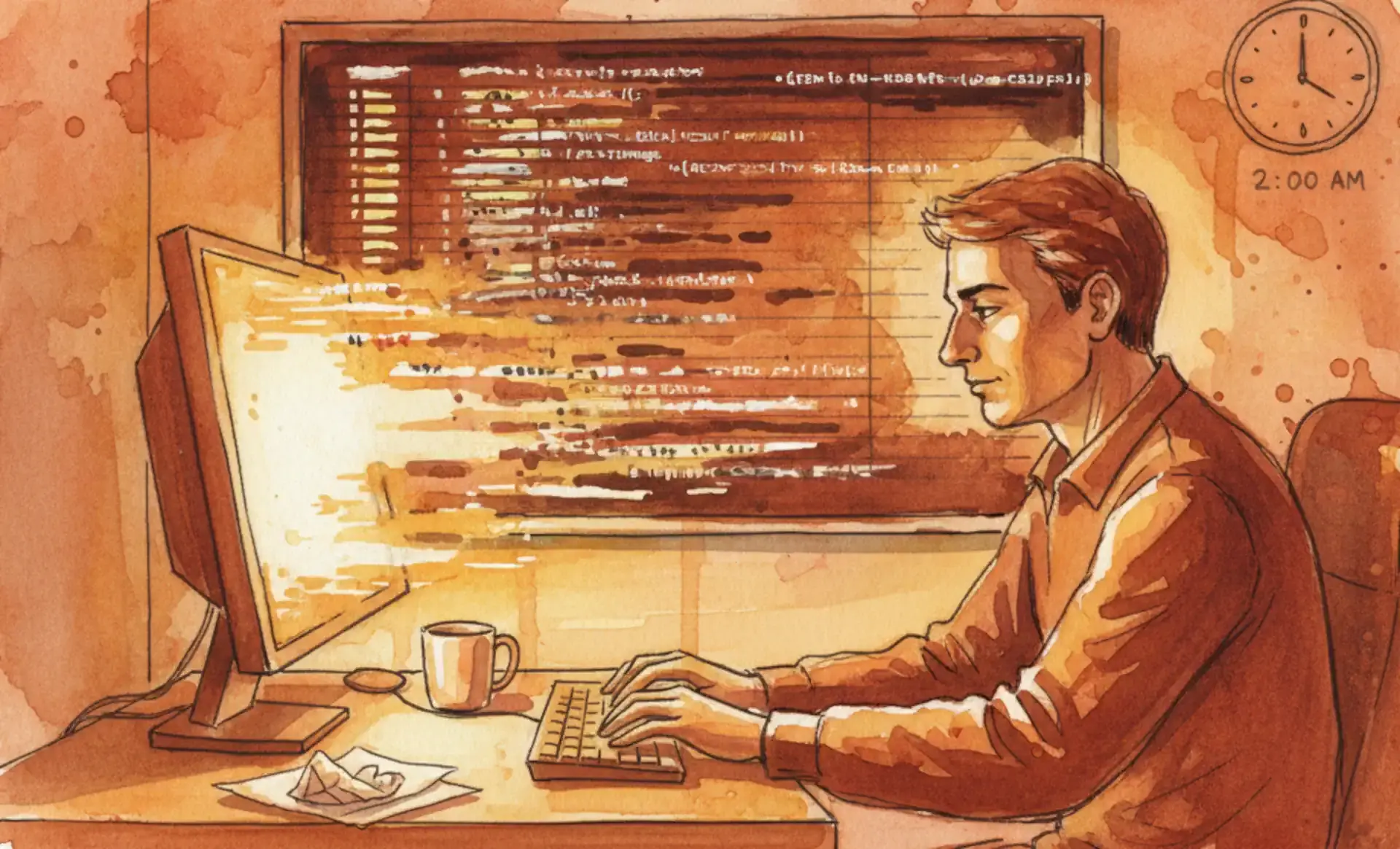
You are shipping more code than you ever have in your entire career. And yet, this is the least amount of trust you have ever had in your code. Every time you log off, there is a real chance you get called in the middle of the night for an outage. What used to be a full day of designing, documenting, and then writing up an API has been compressed into forty-five minutes of prompting. But here is the trade nobody tells you about. Instead of deeply understanding one thing you built well, you have now built six different things you barely understand at all.
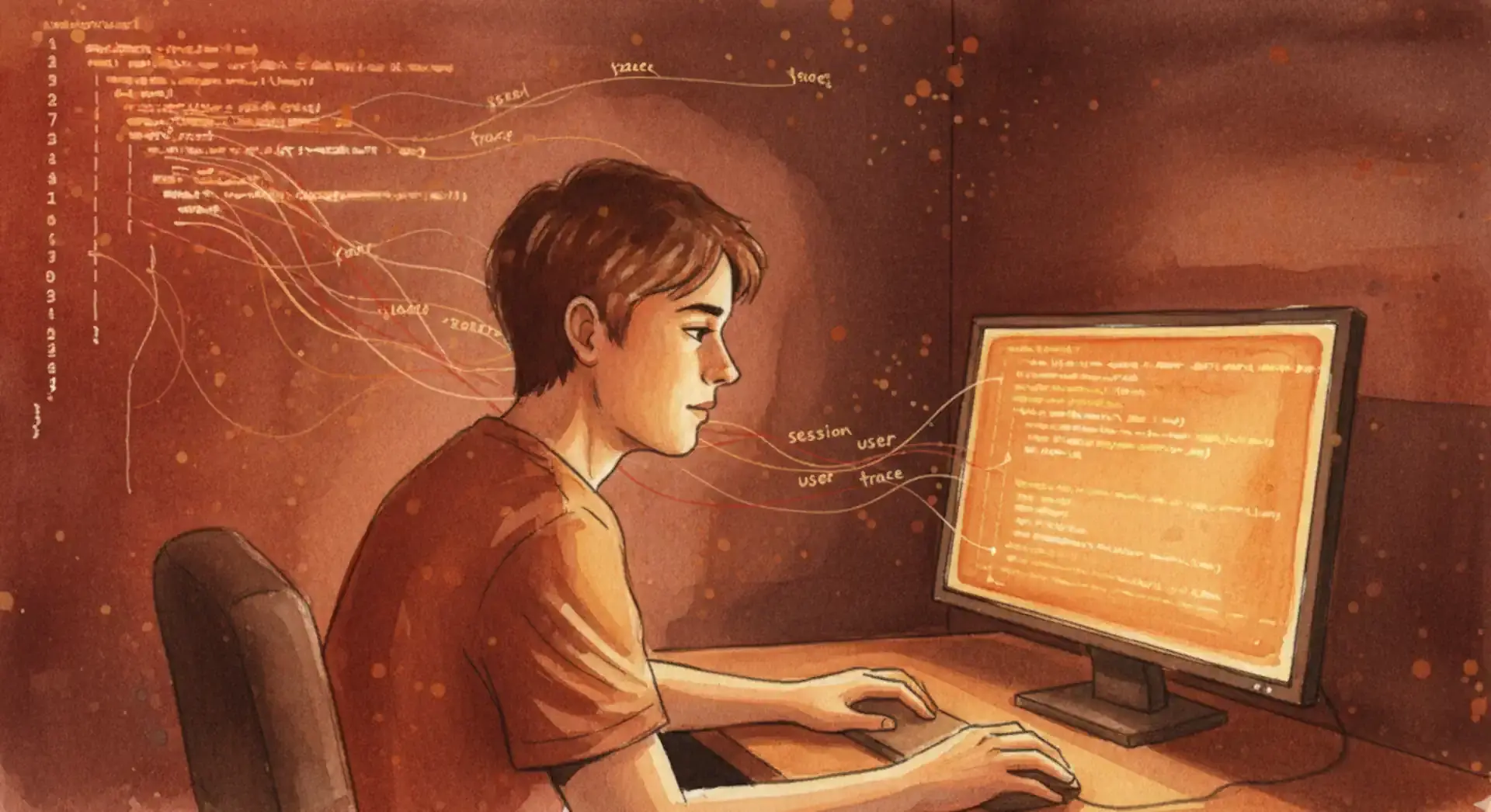
The problem is not that prompting is difficult. The problem is the context switching from one problem to another that fries your brain. You jump from feature to feature, each one generated in minutes, each one a black box you vaguely grasp. Your working memory never gets a chance to settle. You become a throughput machine with no depth.
Then there is the non-deterministic nature of AI. That is a fancy way of saying AI is very random. Not in a charming, quirky way. In a genuinely unsettling way. Your entire career is defined by how precise you are. But the prompt you used on Monday to oneshot your solution does not work the same on Friday. Why? There is absolutely no reason at all. You do not get a stack trace. You cannot debug why the model gave you one answer yesterday and a different one today. The vendor does not expose how your prompt was processed or where it went wrong. It is exhausting, constantly negotiating with your code like you are haggling at a street market.
The more time you spend bargaining, the more you develop skill issues. When your starting point for building out a solution is always an AI, you lose the ability to solve a problem from scratch. You have trained yourself to rely on the tool for things you already know. When the tool runs out of answers and you actually have to step in, you do not even know where to begin. Your fundamentals have atrophied while you were busy prompting.
All of these issues combine into what we call AI fatigue.
The answer might seem obvious. Delete the tool. Reject the whole thing. Grow a beard and retreat to a cabin with a terminal and a C compiler. But that is not realistic for most of us. Your leadership is watching how many AI tokens you are using. There are things AI is genuinely good at. The balance between these problems is solved by a single solution: boundaries.
A caffeine addiction is not fixed by drinking more energy drinks. An AI problem is not solved by throwing more AI at it. It is solved by knowing when to stop.
It is probably not a good idea to start your day by maxing out on AI tokens. Your brain, whatever is left of it, is sharpest in the morning. For things you have been doing for many years, you are probably faster than the AI anyway. Set dedicated times for problem solving and programming without the tool. Use it within a thirty-minute timer. When that timer goes off, accept whatever output the AI has given you and fix the rest yourself.
You could also sit down and log each activity you do with AI. From there, you can figure out where it actually helps and where it slows you down. I have found that my favorite shortcut in my coding editor has become closing the chat box. It is far too easy to fall into the trap of "just one more prompt, I swear." Trust me. I have been there.
Set firm boundaries with any AI tool you use, whether it is your coding agent or anything else you interact with daily.
Fundamentally, AI is a tool. Just like any other tool, the goal is not to mindlessly use more of it. That is how we ended up with the bloated modern web. The goal is to use it properly. Adding another tool to your delicate workflow and staying up to date by reading every set of release notes is not going to make you a better engineer. The only thing that will make you a better engineer is building things. Specifically, building things yourself.
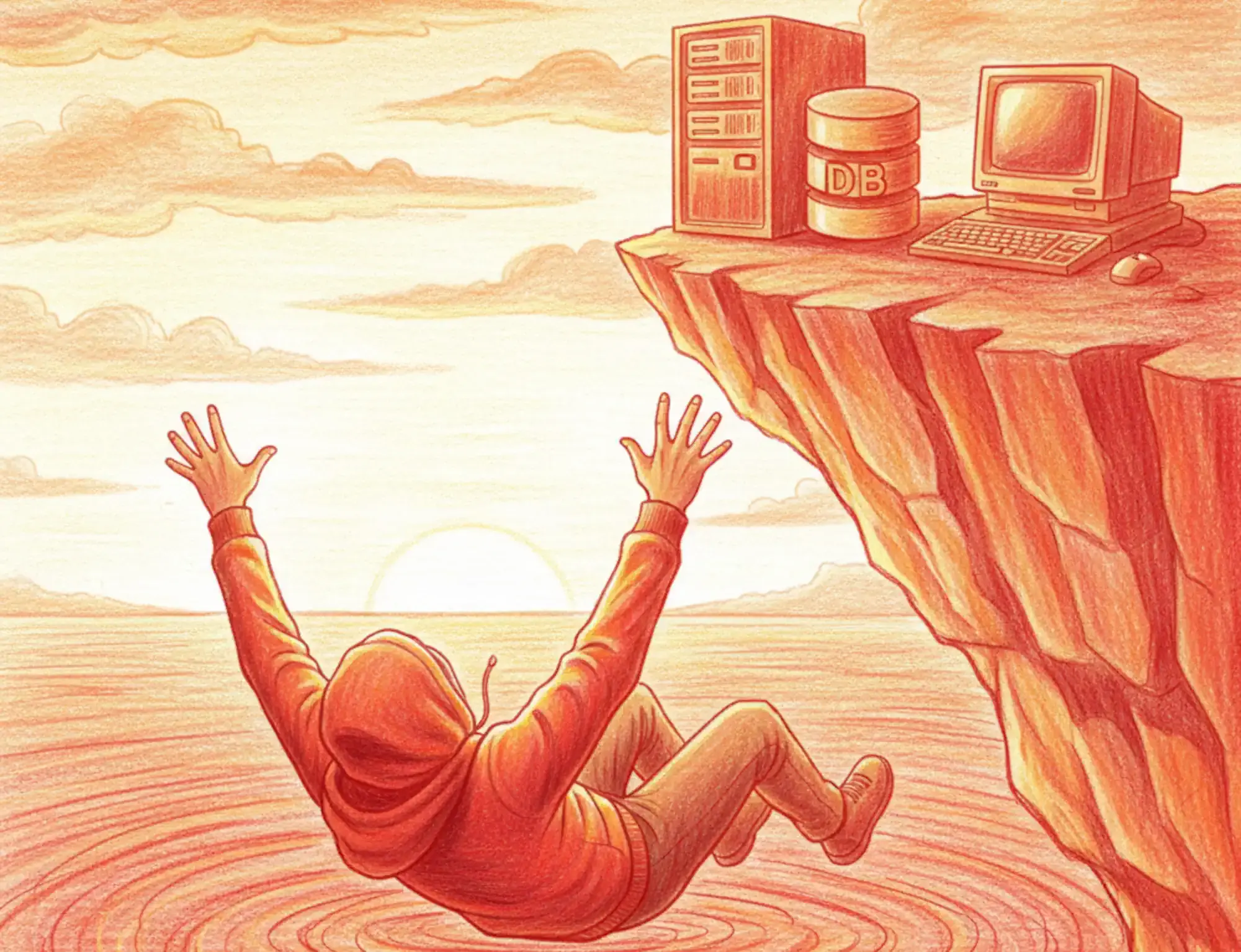
Safety and security do not come from the tool. They come from the hands that wield it. When you understand what the AI generates, when you review it with the same rigor you would apply to a junior developer's pull request, when you know exactly where its output fits into your system, then you are in control. The moment you start blindly accepting generations is the moment the tool starts using you.
AI is a powerful ally. But no ally is worth exhausting yourself for. Know your limits. Set the timer. Close the chat. Write some code with your own two hands. Your career will thank you. And yes, you will still ship plenty of features. The difference is you will actually understand them.
Disclaimer: All content reflects my personal views only and does not represent the positions, strategies, or opinions of any entity I am or have been associated with.